 Pakistan
 United Kingdom
 United States
Blog
22 Mar 2026
By Zainab Ammar, Gift Designer & Content Reviewer
5 min read
How to Prepare a Good Image for Custom Printing on Gifts
Learn how to send better photos, logos, names, and artwork for custom printing on mugs, magnets, keychains, pouches, calendars, and coasters.
On this page
Start with the clearest image you have
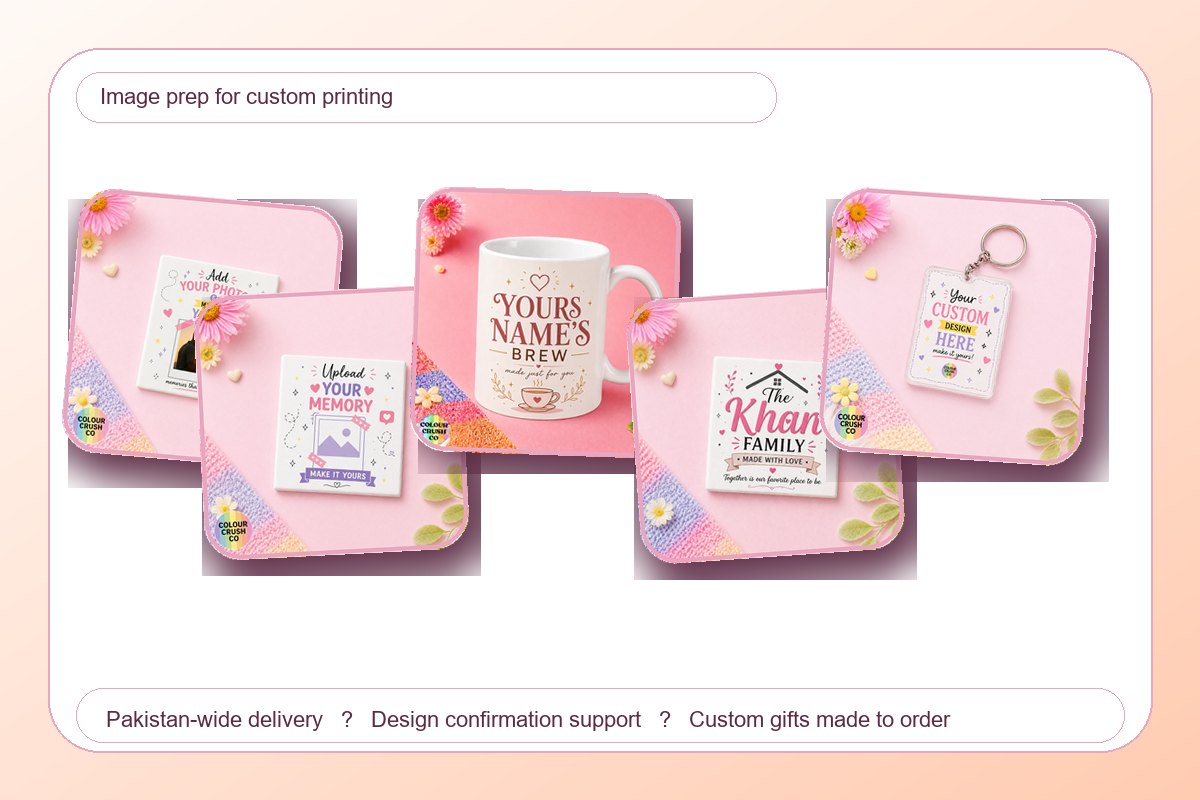
Good printing starts with a clean source image. Use the highest quality photo available and avoid screenshots when possible.
What works best - Bright, well-lit photos - Clear faces and details - Simple backgrounds - Original files instead of forwarded screenshots
Avoid common image problems
Blurry photos, heavy filters, and tiny screenshots often make printing harder. If the image includes text, make sure it is readable before uploading.
Try to avoid - Pixelated screenshots - Dark or low-light images - Cropped faces - Busy backgrounds behind the subject
Keep the final design focused
Short wording usually looks cleaner than long paragraphs. If you want a name, date, or quote added, decide the exact spelling before placing the order.
When in doubt, send the best version you have
You do not need to solve everything alone. Submit the clearest image available and add a short note about what you want. We can help confirm whether the image is suitable before production starts.
Photo tips for different products
For mugs, choose photos with enough space around the subject so the design can breathe. Close crops can work, but faces and important details should not sit too close to the edge. For magnets, bright square or portrait images usually display well. For keychains, choose one clear subject because the printable space is smaller.
For coasters and calendars, use images that still look good when viewed from a little distance. If the photo includes text, logos, or handwriting, make sure those details are sharp in the original file. If you are sending artwork instead of a photo, use the largest clean file available.
File checklist before uploading
- Use original photos where possible
- Avoid WhatsApp screenshots if you still have the original image
- Send logos as clean files instead of photos of screens
- Check spellings before sending names, dates, or quotes
- Mention which part of the photo should stay visible
Why image quality matters for personalized gifts
Custom gifts can only print as clearly as the source image allows. A clean photo helps the final mug, magnet, keychain, pouch, or calendar feel intentional instead of rushed. Better image preparation also reduces back-and-forth before production, which is especially helpful for birthday gifts, event favors, and bulk orders.
When to send more than one image
If you are unsure which photo will print best, send two or three options and explain which one you prefer. This is useful for photo mugs, magnets, and keychains where crop and brightness matter. For event or corporate artwork, include the clean logo file plus any reference image that explains the style you want.
Quick quality check before checkout
Zoom into the photo on your phone before ordering. If faces, names, or small details already look unclear on screen, they may not print sharply. Choose the brighter, cleaner version and keep any added text short so the final custom gift stays readable.
Best image formats for custom gifts
For photo gifts, original phone photos usually work better than screenshots or forwarded compressed images. For names, quotes, and logo-style artwork, send the cleanest file available and type the exact wording in the order notes. This helps avoid spelling mistakes and keeps the design easier to confirm.
Use square or portrait photos for photo magnets, wider photos for some photo mugs, and one clear subject for photo keychains. If you are ordering for an event or team, keep all files in one folder or message thread so the order does not become confusing.
FAQ
Can I use a WhatsApp photo for custom printing?
You can, but the original photo is usually better. WhatsApp often compresses images, which can make faces, text, or small details softer.
What if my image is not perfect?
Send the best version you have and explain what matters most. For custom orders, the design details can be checked before printing.
Should I add text to my photo gift?
Short text works best. Names, dates, and small captions are easier to read than long messages on mugs, magnets, keychains, and coasters.
Ordering and delivery notes
If your custom gift is date-sensitive, mention the delivery city and deadline in the order notes. Pakistan-wide delivery, design confirmation, and WhatsApp support help keep custom printing orders clearer before production.
Browse photo-friendly custom gifts
Start with photo mugs, photo magnets, photo keychains, or custom orders if you need help choosing the right product.
Shop this guide
Products and categories from this article
Start with a related category, or open a gift pick if you already know what you want. For custom orders, we confirm artwork, wording, and delivery details before printing.
Related gift picks
Keep reading
More ideas from the blog
13 Apr 2026
5 min read
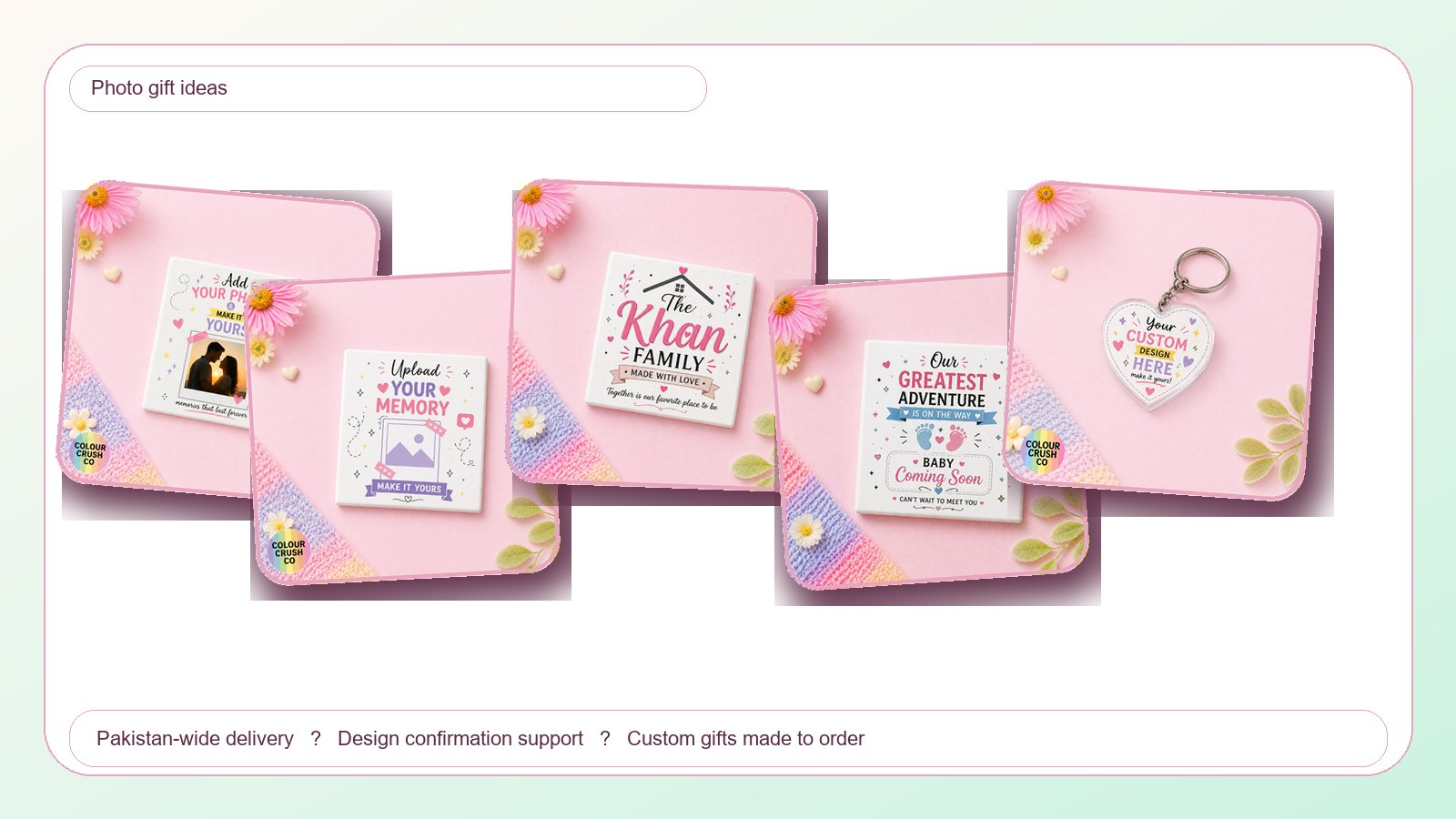
Photo Gift Ideas in Pakistan: Mugs, Magnets, Keychains, and Calendars
Turn favorite photos into custom mugs, magnets, keychains, calendars, and keepsakes with practical tips for cleaner custom printing.
24 Sept 2026
7 min read
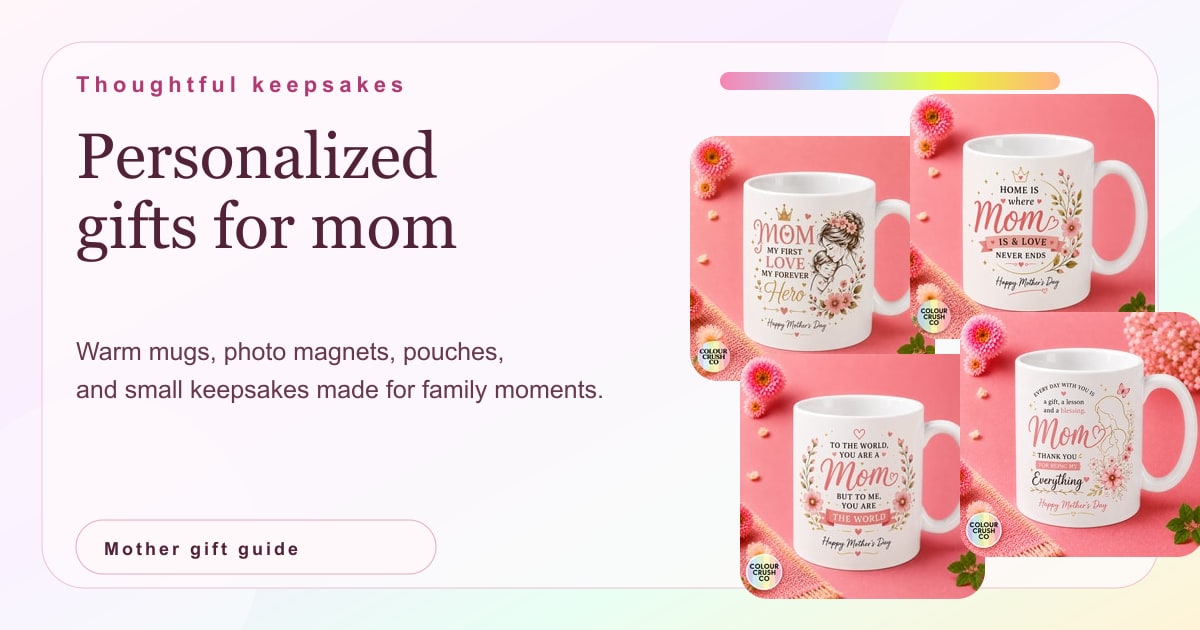
Mother's Day Gift Ideas in Pakistan: Personalized Gifts for Mom
Compare personalized Mother's Day gift ideas in Pakistan, from mom mugs and family photo magnets to useful pouches and small keepsakes made for her routine.
20 Sept 2026
7 min read
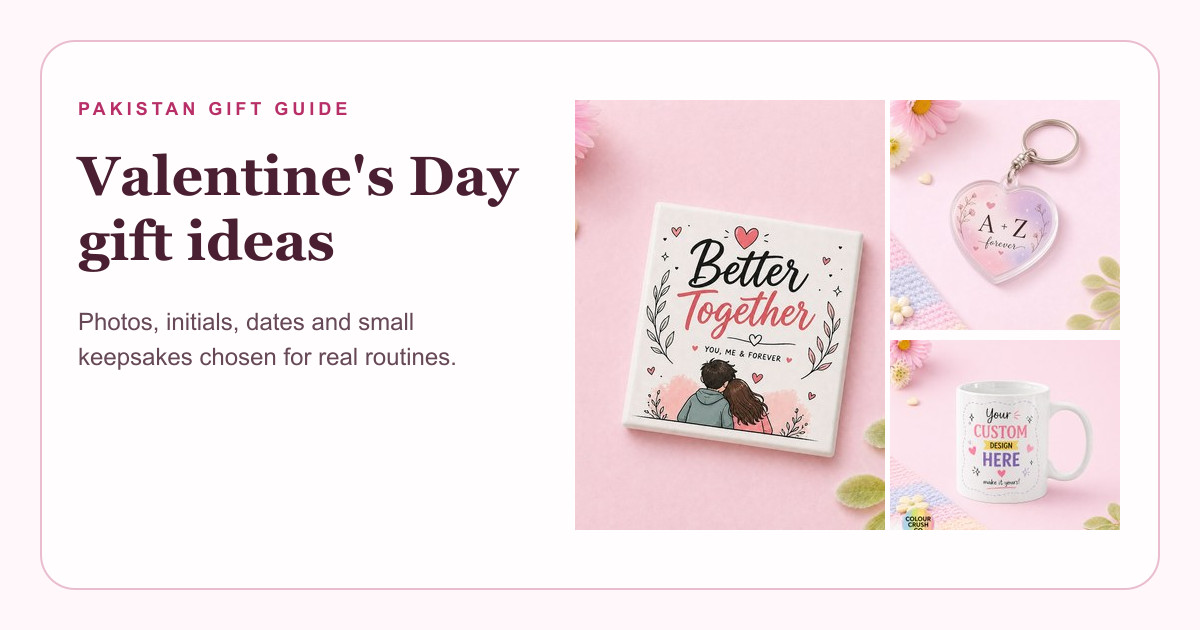
Valentine's Day Gift Ideas in Pakistan: Personalized Gifts for Couples
Compare personalized Valentine's Day gifts in Pakistan, including couple magnets, photo mugs, heart keychains and practical gift pairings for partners and spouses.